How to Manage Passwords Without Going Crazy

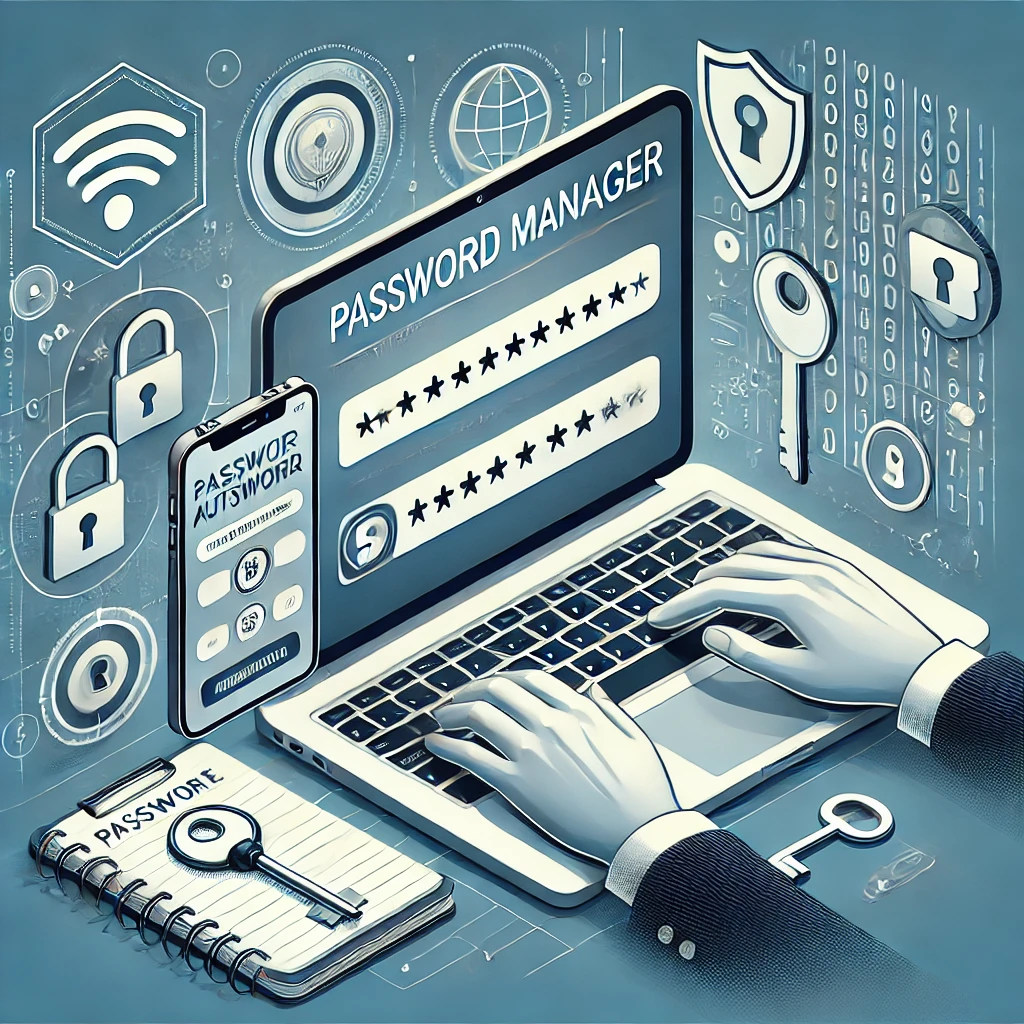
In today’s digital age, managing passwords is a constant challenge. From online banking to social media, we juggle multiple accounts, each requiring a unique and complex password. Remembering them all can feel overwhelming, but with the right strategies, you can keep your passwords secure without losing your sanity.
Here’s how to simplify password management and protect your online identity:
1. Understand the Importance of Strong Passwords
Weak passwords are a hacker’s dream. To protect your accounts:
- Use a combination of uppercase and lowercase letters, numbers, and special characters.
- Avoid easily guessed information, like birthdays or “password123.”
- Aim for at least 12 characters to maximize security.
Example of a strong password:
L$82n@WZx9!Qm
2. Use a Password Manager
A password manager is a lifesaver for anyone overwhelmed by password chaos. These tools store and encrypt your passwords, so you only need to remember one master password.
Popular Password Managers:
- LastPass
- Dashlane
- 1Password
- Bitwarden (free and open-source)
Password managers can also generate strong passwords for new accounts, taking the guesswork out of creating secure credentials.
3. Enable Two-Factor Authentication (2FA)
Two-factor authentication adds an extra layer of security by requiring a second form of verification, such as:
- A text message code.
- An app-generated code (e.g., Google Authenticator).
- Biometric data like a fingerprint or face recognition.
Even if someone cracks your password, 2FA makes unauthorized access far less likely.
4. Avoid Reusing Passwords
Reusing passwords across multiple accounts is a major security risk. If one account is compromised, all accounts sharing that password are vulnerable. Password managers can help by storing unique passwords for each account.
5. Regularly Update Your Passwords
Changing your passwords periodically reduces the risk of long-term exposure if your credentials are leaked. Set a reminder to update important passwords, such as for banking or email, every 3-6 months.
6. Be Wary of Phishing Attempts
Cybercriminals often use phishing emails to trick you into revealing your passwords. Protect yourself by:
- Avoiding clicking on suspicious links.
- Verifying the sender’s email address.
- Using browser extensions that warn against phishing sites.
7. Securely Store Master Passwords
If you use a password manager, your master password is the key to all your accounts. Keep it safe by:
- Writing it down and storing it in a secure location.
- Avoiding digital storage, like notes apps or emails.
8. Explore Passwordless Solutions
Passwordless authentication methods are gaining traction. These include:
- Biometric logins (fingerprint, facial recognition).
- Magic links sent to your email.
- Authenticator apps for one-time codes.
Platforms like Accomplishr, a professional development and mentorship platform, often implement advanced security measures, ensuring that your data remains safe while you focus on achieving your goals.
9. Educate Yourself and Others
Staying informed about cybersecurity best practices helps you and those around you avoid common pitfalls. Share your knowledge with friends, family, or colleagues to foster a culture of online safety.
Conclusion
Managing passwords doesn’t have to be stressful. By using tools like password managers, enabling two-factor authentication, and staying vigilant against phishing attacks, you can protect your accounts without feeling overwhelmed. Platforms like Accomplishr also prioritize user security, making it easier to focus on your goals without worrying about your data.
Take the time to implement these tips today, and enjoy peace of mind in your digital life.

This subscription is no longer available
Cynthia Doer is not currently accepting new subscribers.
You can still enjoy any free blogs they share, but premium content is now unavailable for new subscriptions.


