How to Use Online Calendars Like a Pro

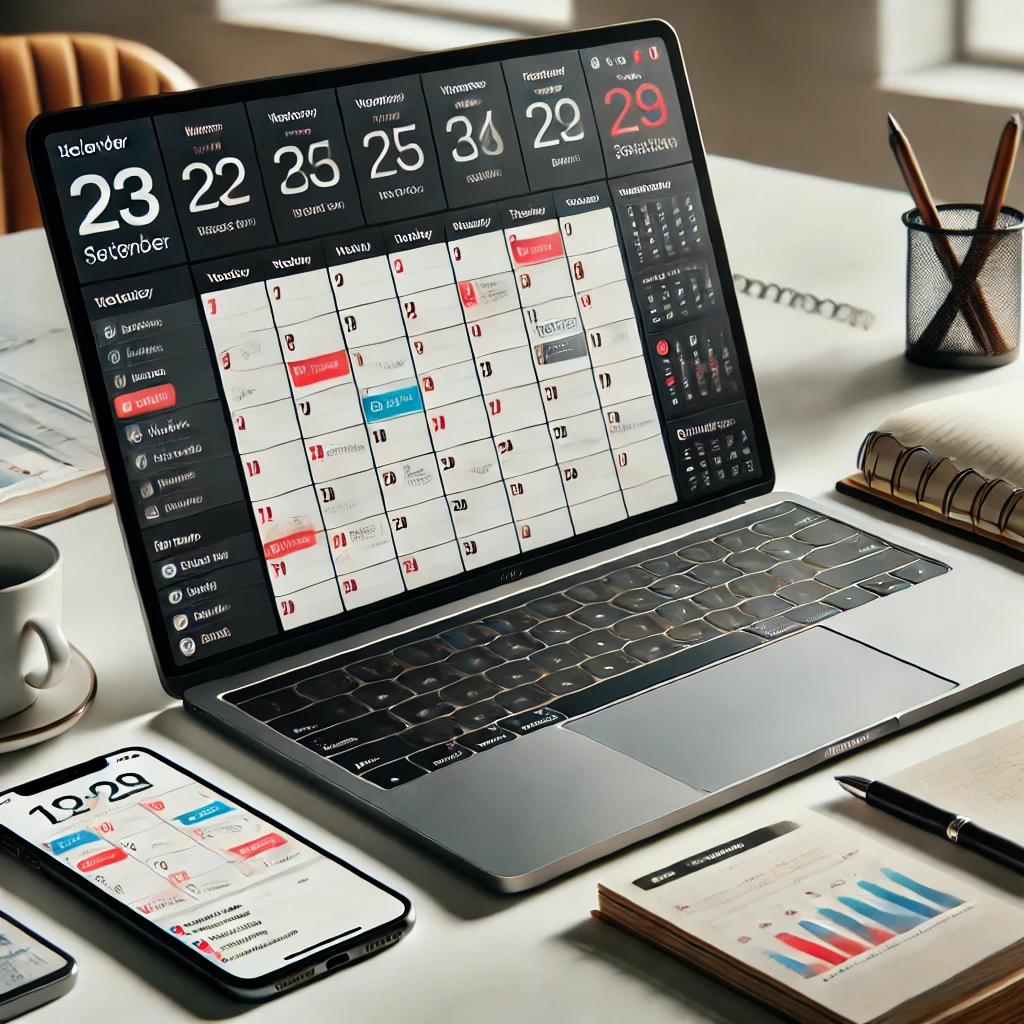
Online calendars have become indispensable tools for managing our busy lives. Whether you’re scheduling meetings, tracking deadlines, or planning personal activities, these digital tools can help you stay organized and productive. Here’s how to harness the full potential of online calendars and use them like a pro.
1. Choose the Right Calendar Platform
Selecting the right calendar platform is the first step. Popular options include:
- Google Calendar: User-friendly and integrates seamlessly with other Google services.
- Microsoft Outlook Calendar: Ideal for business users within the Microsoft ecosystem.
- Apple Calendar: Perfect for Apple device users, with excellent iCloud integration.
- Calendly: Great for scheduling meetings and sharing availability.
Pick a platform that aligns with your needs and integrates well with the tools you already use.
2. Master the Basics
Understanding the core features of your chosen platform ensures you’re not missing out on its potential.
Key Features to Explore:
- Recurring Events: Set up regular meetings or activities with ease.
- Color Coding: Use different colors for personal, work, and shared calendars.
- Notifications: Enable reminders to stay on top of your schedule.
3. Sync Across Devices
Ensure your calendar is accessible wherever you are. Syncing it across your devices allows you to:
- Check your schedule on the go.
- Receive reminders on your phone, tablet, or desktop.
- Update events seamlessly from any device.
4. Use Shared Calendars
Shared calendars simplify collaboration and communication, especially in professional or family settings. Examples:
- Team Projects: Create a shared calendar for project deadlines and meetings.
- Family Events: Plan vacations or appointments with family members.
Most platforms let you adjust sharing permissions, ensuring everyone has the right level of access.
5. Leverage Advanced Features
Online calendars offer a range of advanced features that can supercharge your productivity:
- Time Blocking: Allocate specific time slots for tasks, meetings, and breaks to optimize your day.
- Integration with Other Tools: Connect your calendar with tools like Zoom, Slack, or task management apps.
- Smart Suggestions: Use AI-driven features to suggest meeting times or tasks based on your habits.
6. Automate Your Scheduling
Scheduling meetings manually can be tedious. Use automation tools to streamline the process:
- Platforms like Calendly or Microsoft Bookings let others book time with you based on your availability.
- Avoid back-and-forth emails by sharing your calendar link.
7. Set Boundaries with Your Calendar
An overbooked calendar leads to stress and burnout. Protect your time by:
- Setting work hours in your calendar.
- Blocking out “focus time” for deep work.
- Declining unnecessary meetings or setting time limits.
8. Track Goals and Habits
Many calendars allow you to set and track goals or habits. For example:
- Google Calendar’s “Goals” feature lets you schedule regular time for exercise, learning, or relaxation.
- Use recurring events to track habits like journaling or practicing a skill.
9. Stay Secure
While convenience is essential, security should never be overlooked:
- Use strong passwords and enable two-factor authentication for your account.
- Be cautious when sharing calendar links publicly.
Platforms like Accomplishr, designed for mentorship and professional growth, integrate seamlessly with online calendars. With features that help track goals, set reminders, and schedule mentorship sessions, Accomplishr can take your calendar management to the next level, ensuring you’re always on top of your priorities.
Conclusion
Online calendars are more than just digital planners—they’re powerful tools that can transform how you manage your time. By mastering features like time blocking, automation, and integration, you’ll boost productivity and reduce stress. And with platforms like Accomplishr, you can align your calendar with your professional development goals, making every minute count.
Start applying these tips today and enjoy the benefits of staying organized and in control of your schedule!

This subscription is no longer available
Cynthia Doer is not currently accepting new subscribers.
You can still enjoy any free blogs they share, but premium content is now unavailable for new subscriptions.


